Service Request
What is a Service Request?
A technical inquiry is called a "Service Request" or "Request".
Create a service request and communicate with the assigned responder on the timeline to resolve the issue.
If there are updates to the Service Request, members will be notified.
Creating a Service Request
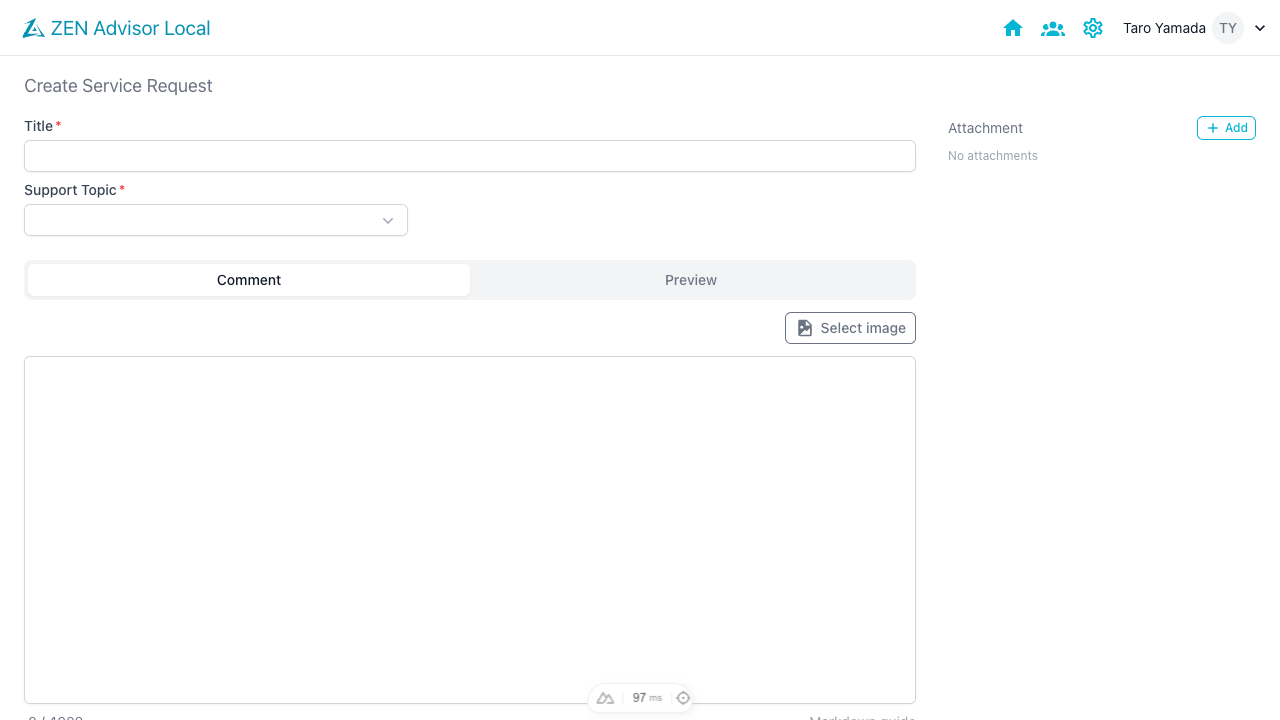
Click the [+ Request] button in the upper right corner of the TOP page list to go to the request creation screen.

- Enter the title and inquiry content to create a request.
- The problem type can be created with the default settings.
- Inquiry content can also be described in Markdown.
Managing Service Requests
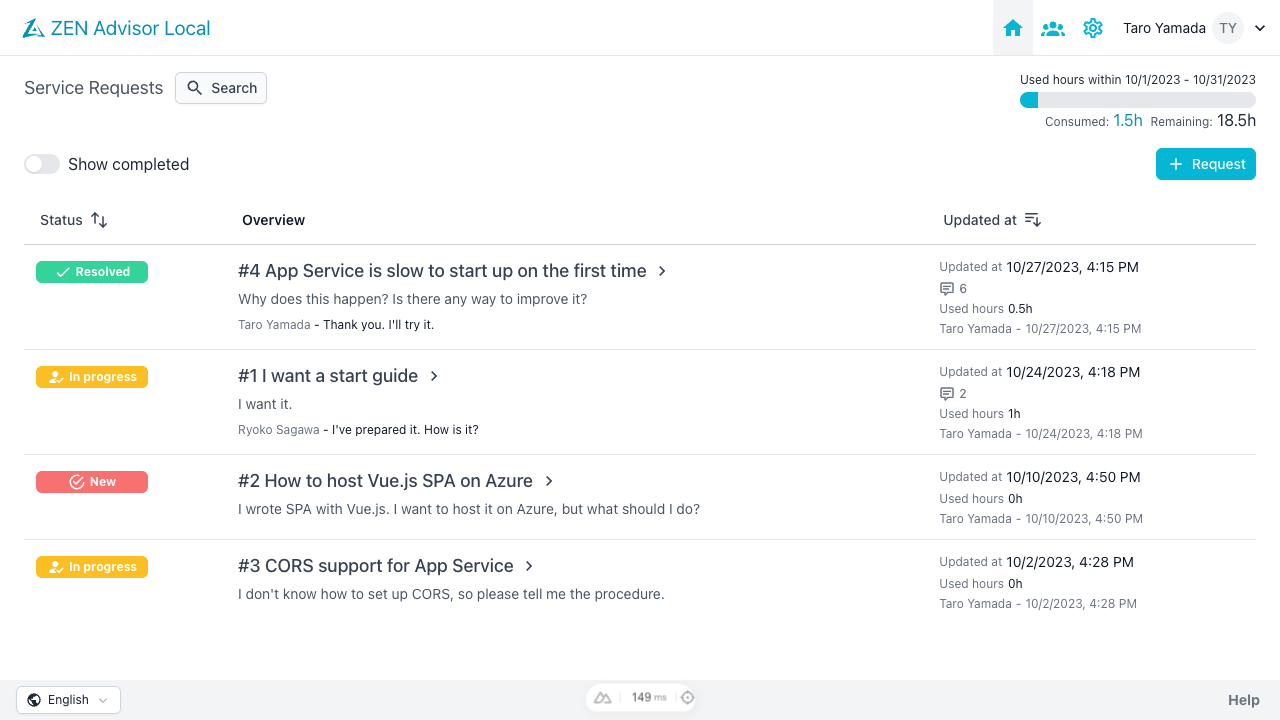
On the Service Request list screen, you can see a list of active Service Requests. If there is unread or confirmation required content, a red mark will be displayed.
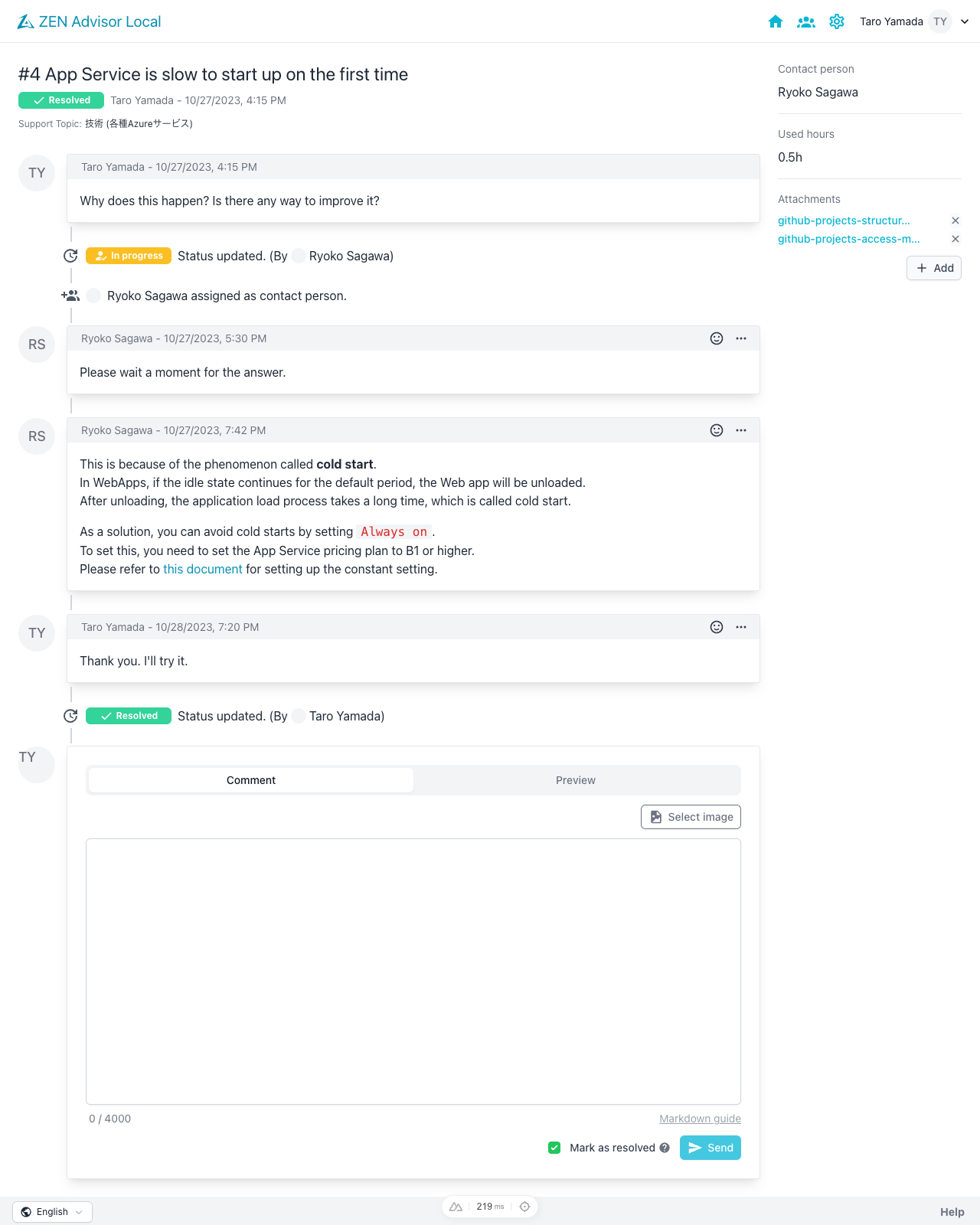
You can click on a Service Request in the list of requests to see the details. The timeline details support input in [Markdown](#About Markdown) format.
Notifications are sent when the timeline is added or changed. → About notification settings
About Markdown
The following is a legend. Symbols and numbers are written in half-width.
| - | Markdown | Preview |
|---|---|---|
| Line break | Two half-width spaces at the end of the line | test test |
| Heading | # Heading h1 ## Heading h2 | Heading h1Heading h2 |
| List | 1. Number 1 2. Number 2 - Black circle - Black circle | 1. Number 1 2. Number 2
|
| Code block | You can use `back quotes before and after` to display inline. | You can use back quotes before and after to display inline. |
``` // You can make the code easier to understand by writing three back quotes before and after the code. ``` | // You can make the code easier to understand by writing three back quotes before and after the code. | |
If you specify the language after the first back quote, it will be highlighted. ``` JS let fruit = ['apple', 'banana']; console.log('Hello!'); ``` JavaScript can be highlighted with JS, and C# can be highlighted with CS. For other supported languages, please refer to here. | | |
| Bold | **Two asterisks before and after** | Two asterisks before and after |
| Link | [Title](URL) | Title |